Beginner8:12
OpenIntroduction to the Federated Learning Module
Install MEDfl, configure your environment, and run your first experiment.
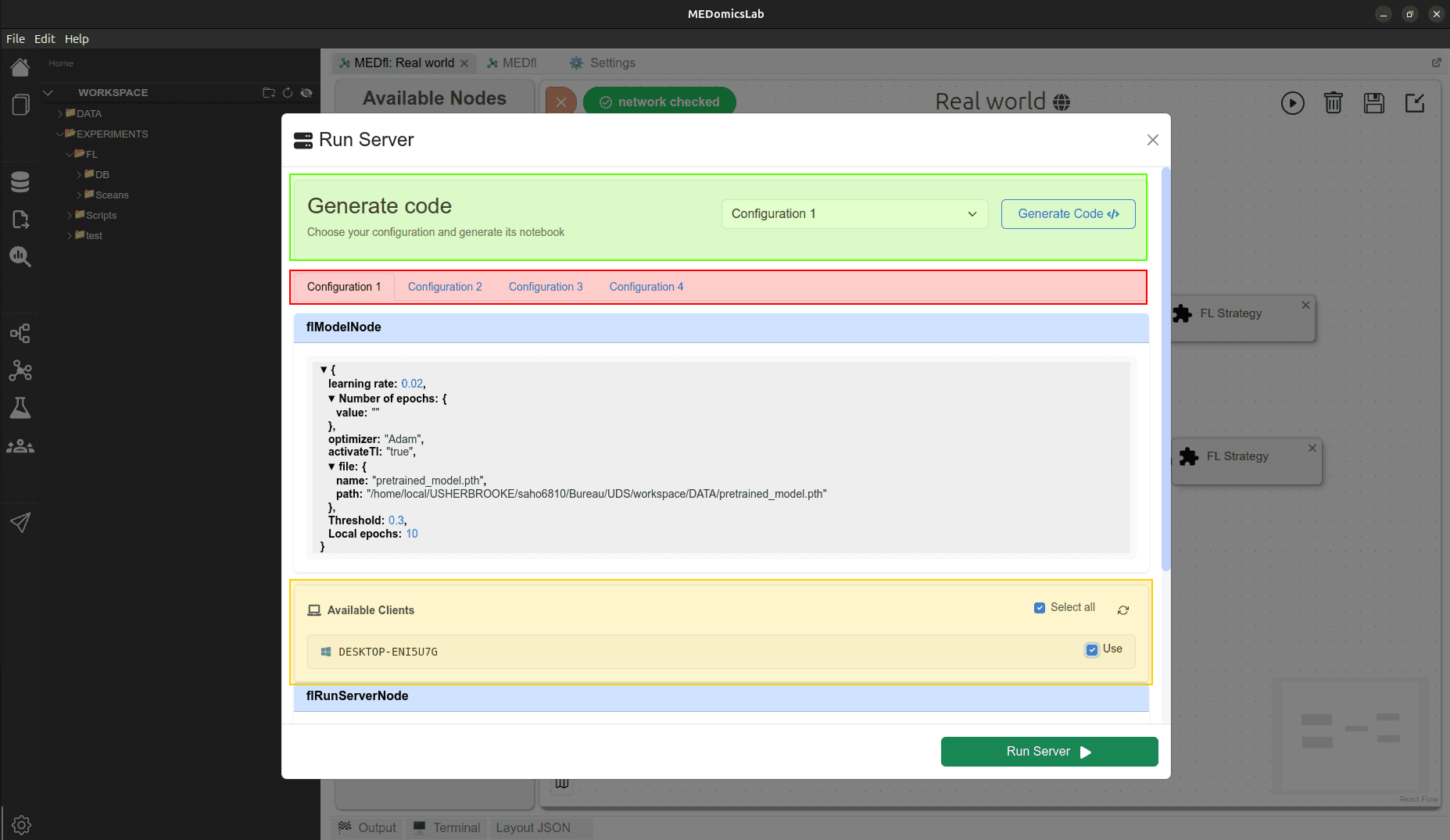
Train clinical AI models across hospitals without moving data. MEDfl connects sites, orchestrates real-world and simulation experiments.



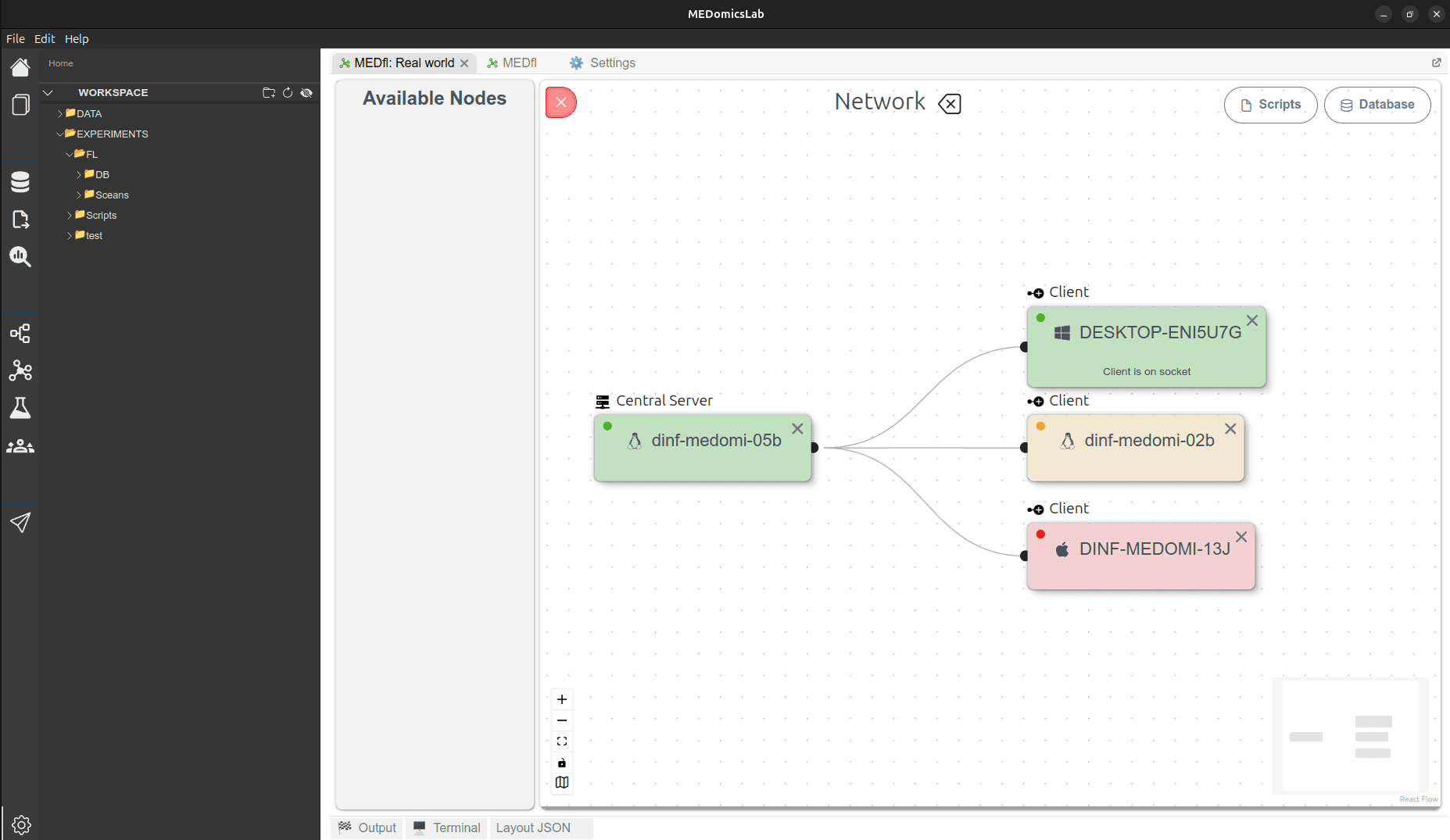
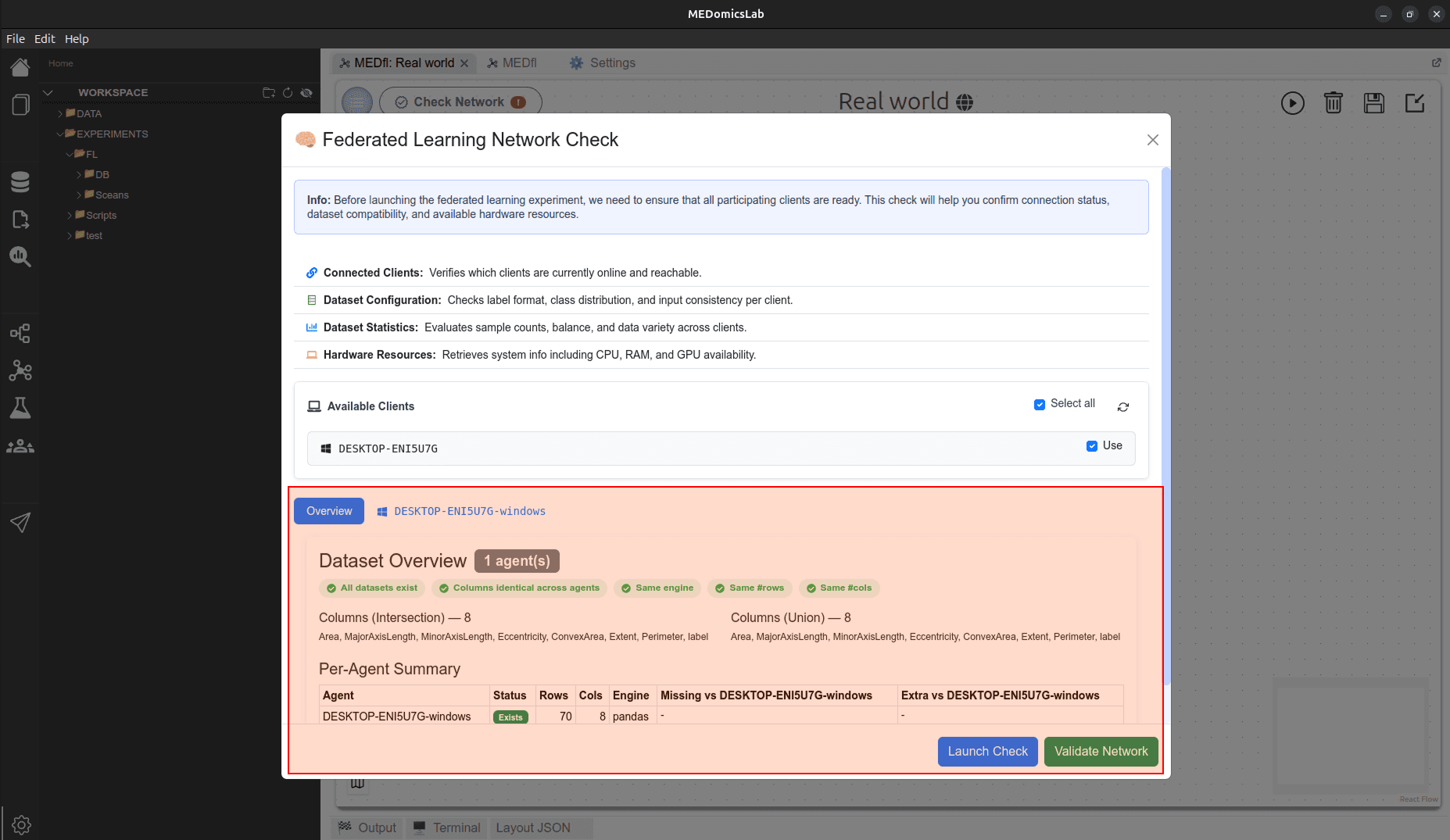
Connect sites securely, validate datasets, design pipelines, launch federated rounds, and analyze results—end to end.
Define the idea, run simulations, validate results, then deploy on real distributed clients.
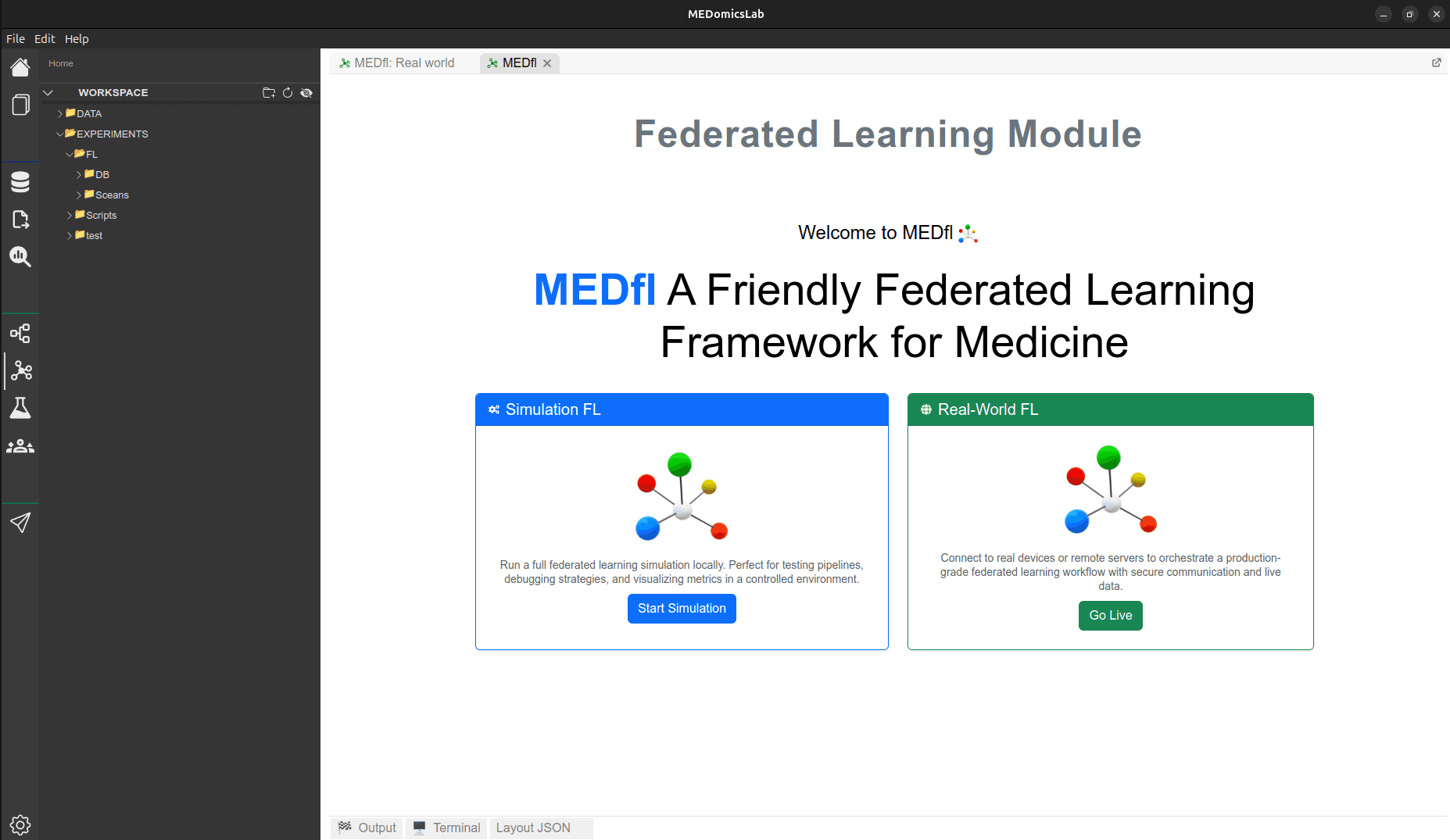
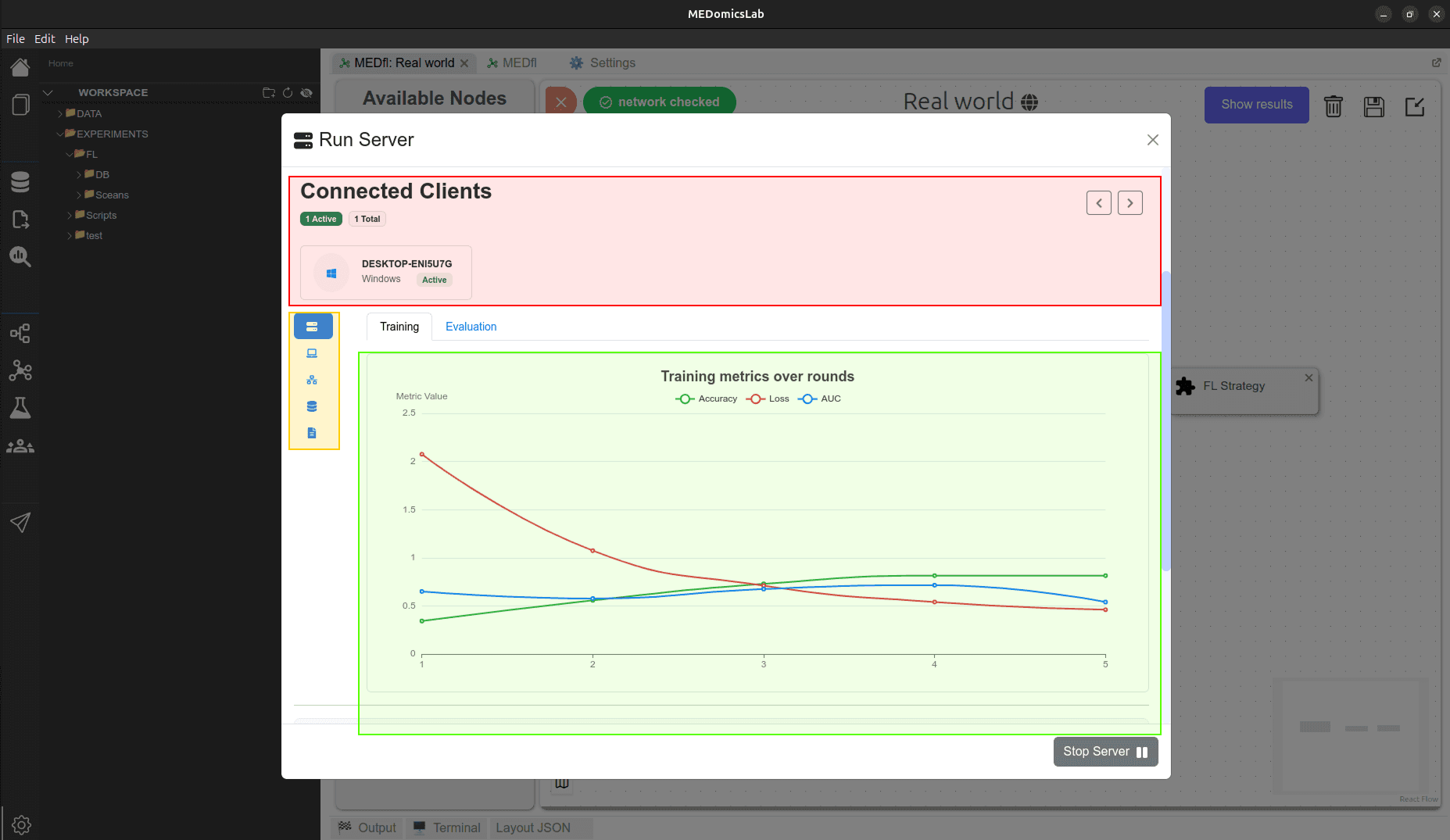
Use MEDfl as a Python package or install the desktop application. Start a server, connect clients, and track federated rounds.
Check the install guide for first-run permissions and network access.
Short, practical walkthroughs—from client onboarding and validation to pipelines, training, and results.
Install MEDfl, configure your environment, and run your first experiment.
By the end of this video, you’ll manage and run your own federated learning experiments within MEDfl.
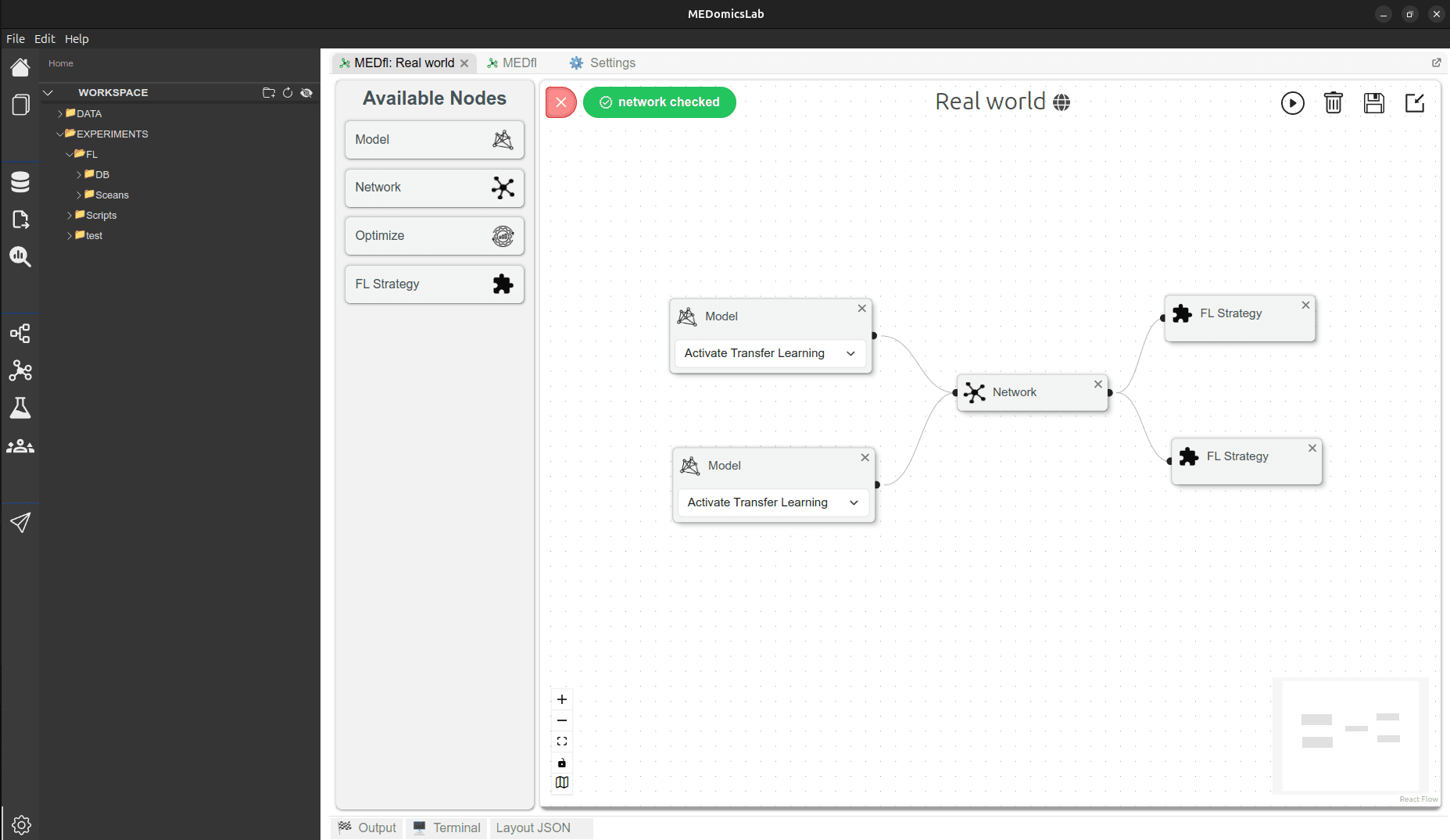
Drag-and-drop pipelines and launch federated training end-to-end.
Follow practical guides to configure MEDfl, build federated pipelines, connect clients, run experiments, and analyze your results.
Learn how to configure and execute federated learning experiments locally using MEDfl's simulation environment.
Prepare the MEDfl database, import your dataset, and configure the data used for federated experiments.
Open tutorialBuild a federated learning pipeline by configuring clients, models, strategies, training, and evaluation nodes.
Open tutorialExplore training metrics, client evaluations, confusion matrices, feature importance, and results across federated rounds.
Open tutorialOptimize federated learning experiments using MEDfl's Grid Search and Optuna-based optimization tools.
Open tutorialFollow a complete MEDfl simulation example from dataset configuration to federated training and result analysis.
Open tutorial